Rebrand a PowerPoint deck onto your new template, without losing a word
Your firm has a new brand. Hundreds of decks still carry the old logo, the old footer and the old colours, many of them in 4:3. This free tool moves a deck onto your new master in one pass and tells you, slide by slide, what it did.
What goes wrong when you rebrand a deck by hand
- Old furniture stays. Footers, "Confidential" lines, page numbers and logos pasted onto each slide are not part of the template, so applying a new one leaves them in place.
- 4:3 to 16:9 stretches or shrinks. "Maximize" scales content up and stretches master pictures; "Ensure Fit" shrinks everything into the middle with empty sides.
- Old colours and fonts survive. Anything formatted by hand keeps the old brand blue and the old font, including inside charts.
- Placeholders move. A slide on a layout the new master doesn't have falls back to a different one and its text lands in the wrong place.
- Nobody can say what changed. After a manual pass, the only check is reading every slide against the old deck.
How the tool works
- Upload the old deck and your new master (.pptx). Optionally type the old company name as it appears on slides.
- Confirm what goes. The tool lists each old-brand item once, with the slides it is on. Only what it is certain about is removed on its own: old footer, date and page-number boxes, and a footer line that changes only by its page number. Logos, bars and confidentiality lines are removed only if you tick them, so a client's logo or a "Source:" line is never deleted by a guess.
- Download the new deck and the report. Every slide gets a verdict (follows the new layout, carried over and fitted, or needs a look), and every removed text is listed word for word.
Before and after
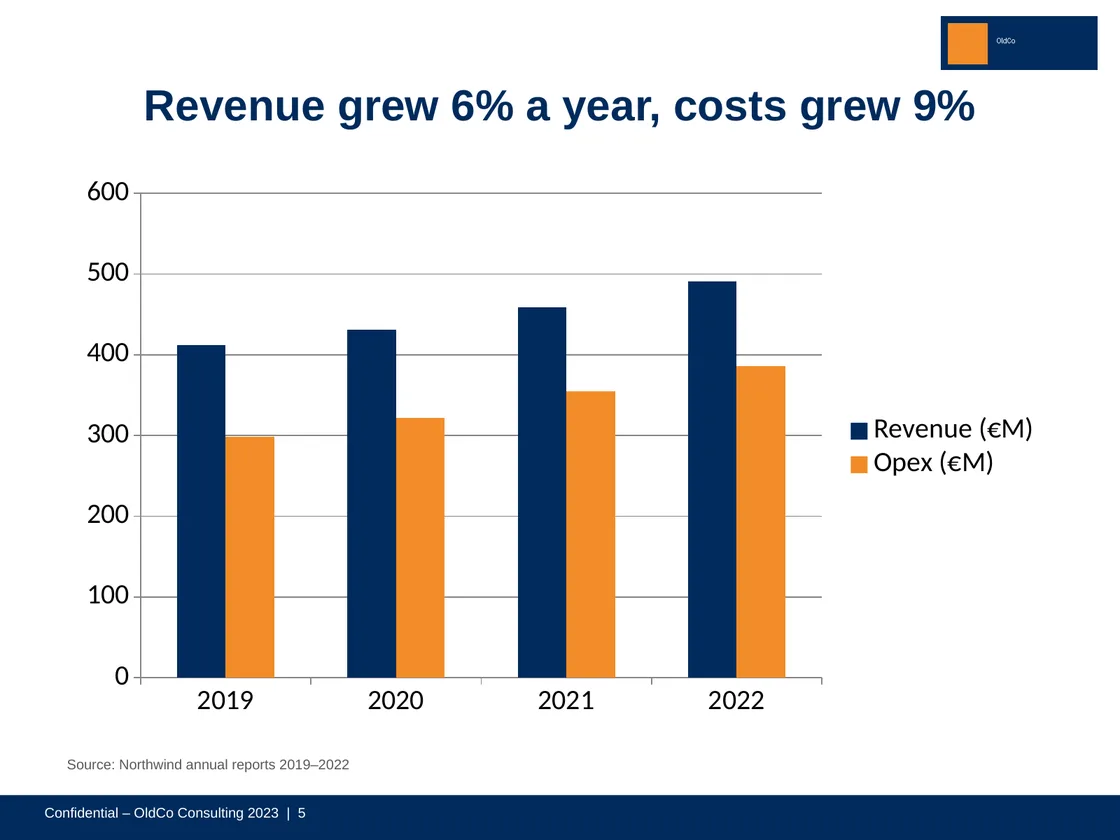
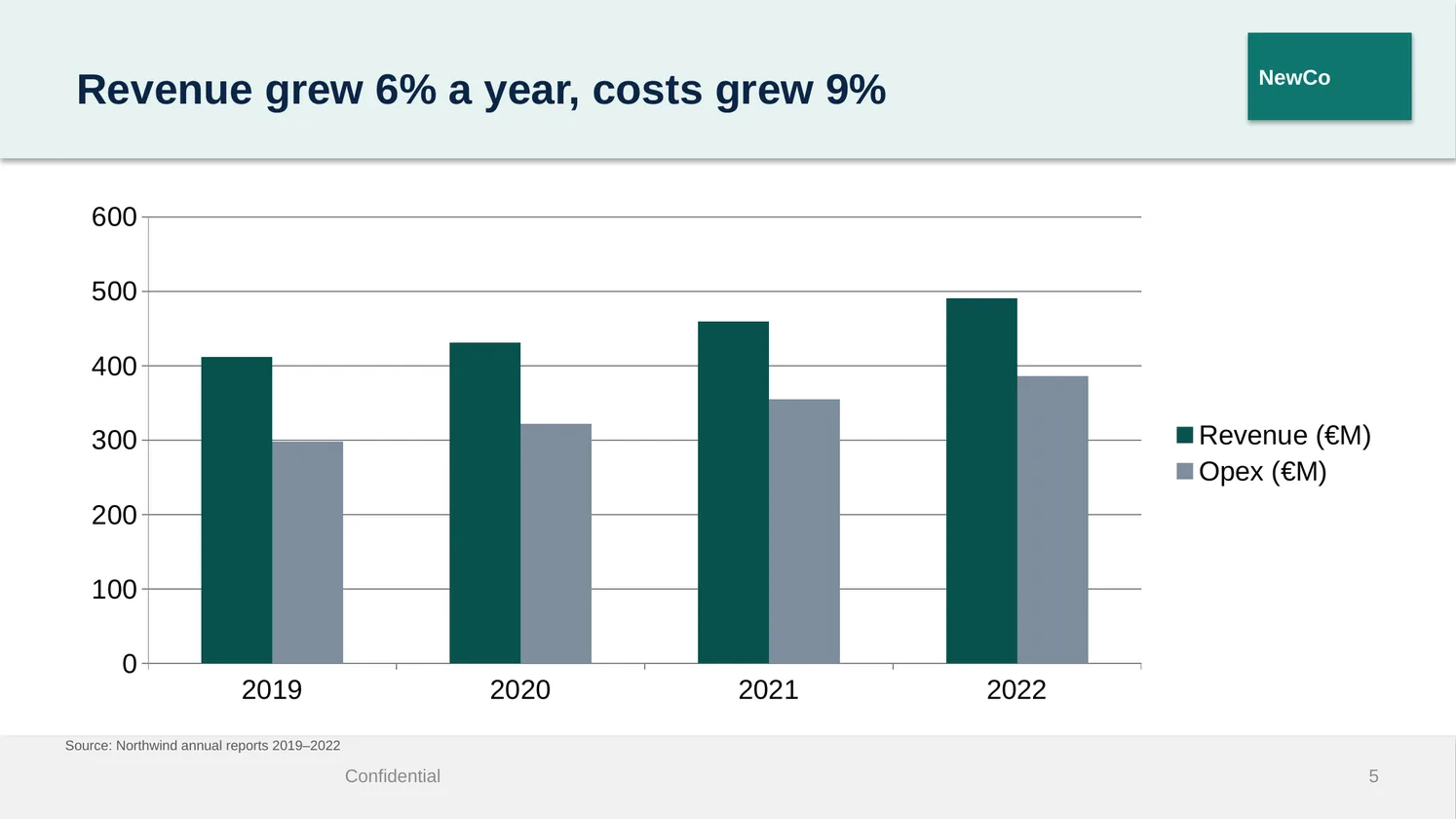
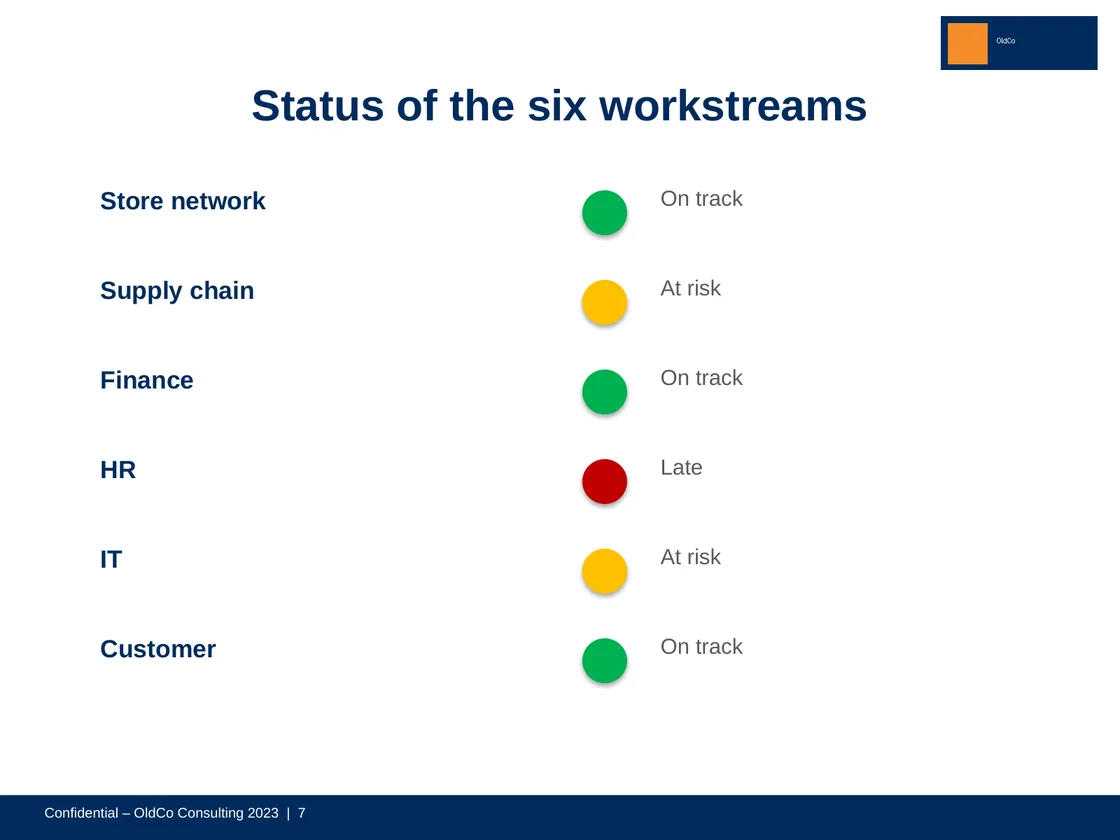
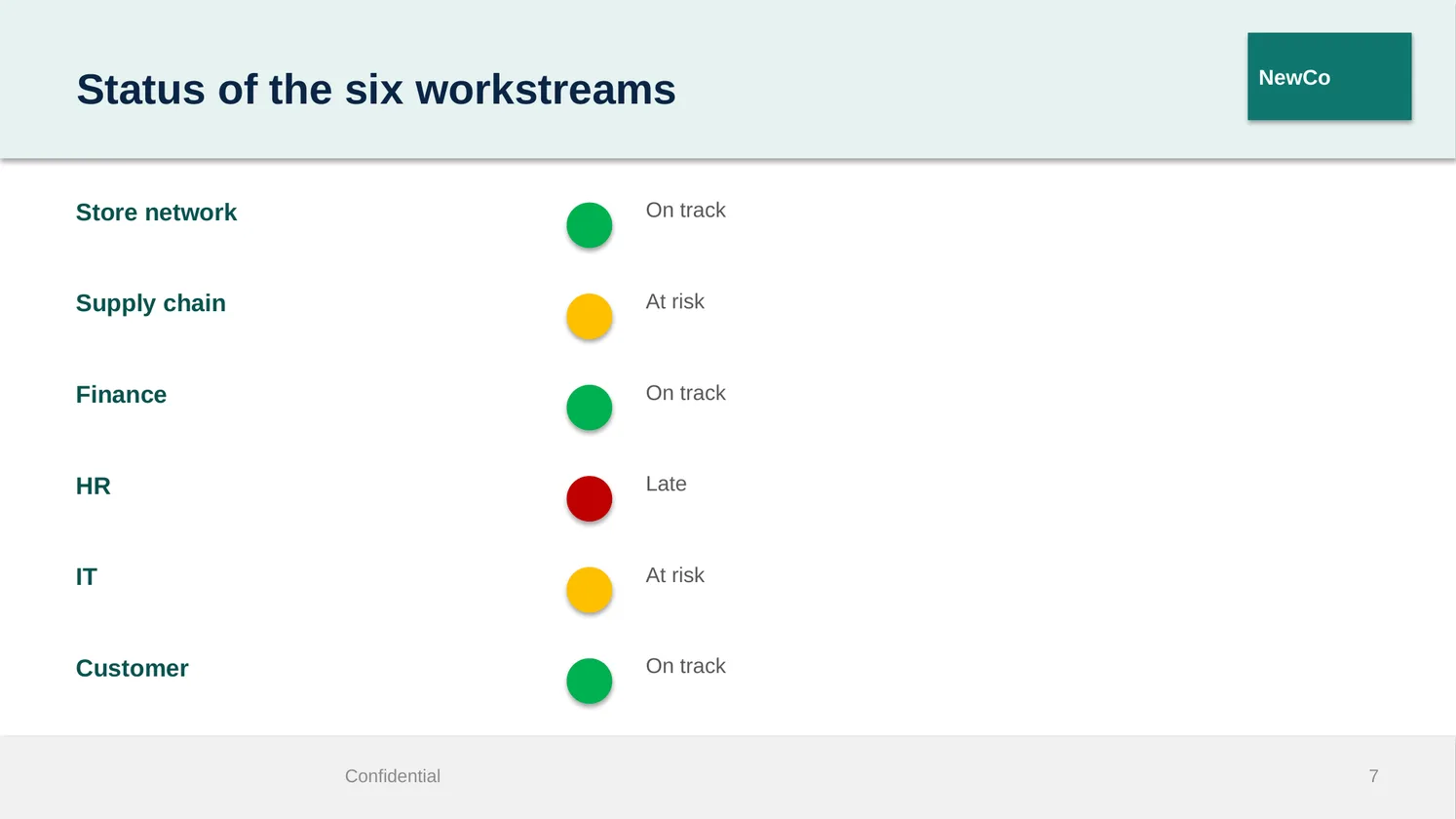
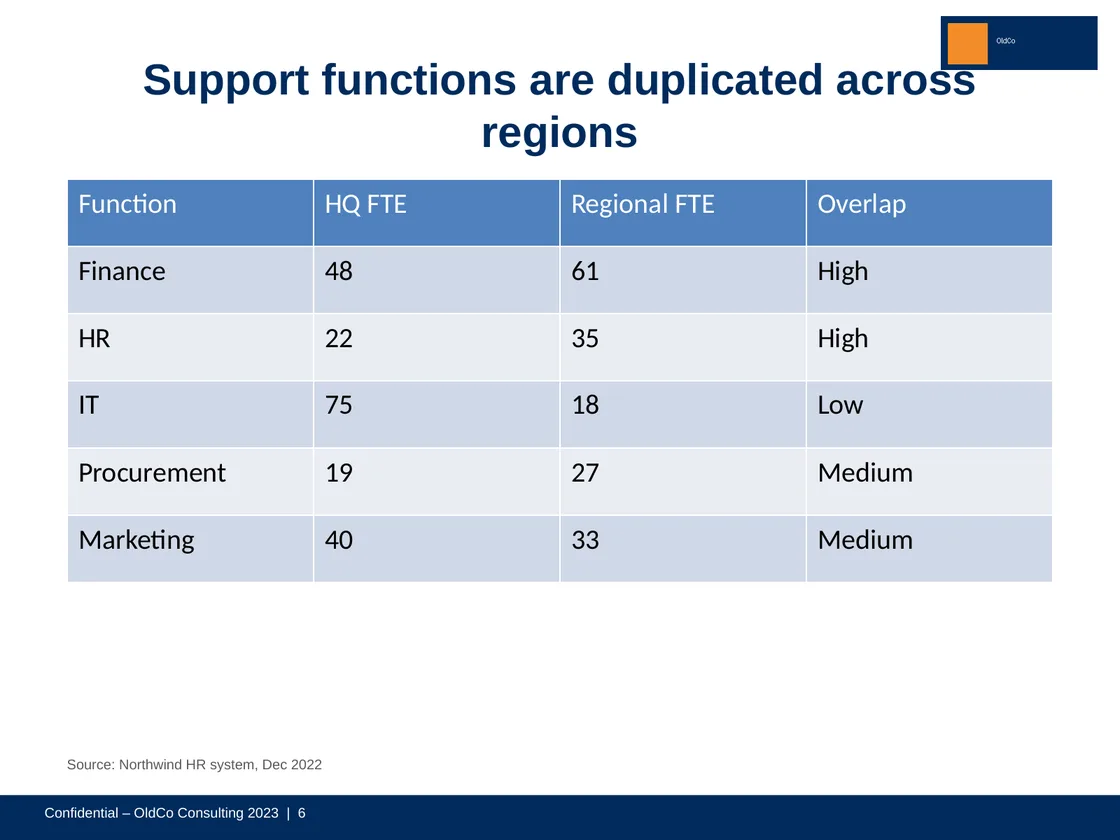
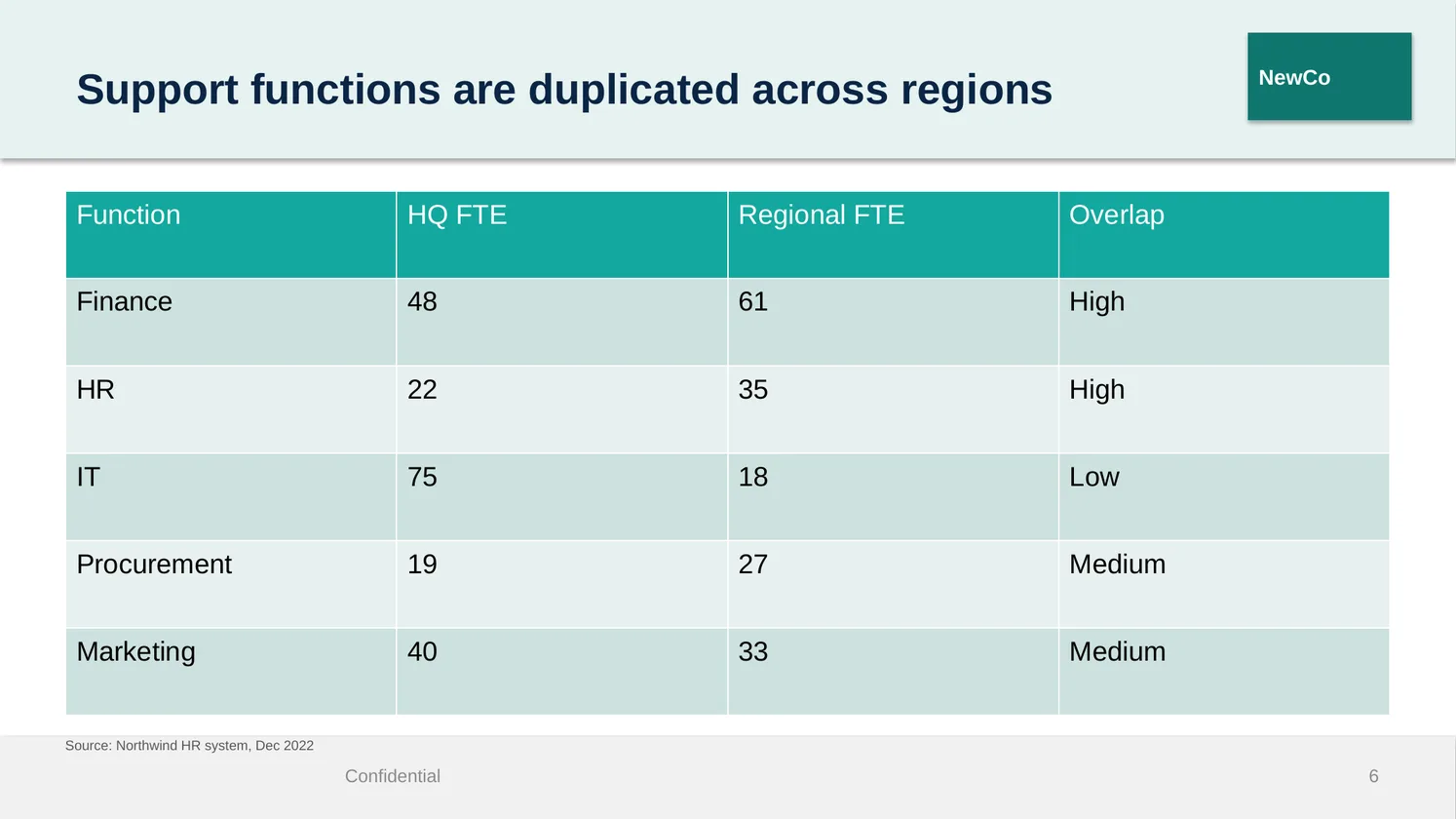
A 20-slide test deck we made for this (invented content), on the old 4:3 brand, moved onto a new 16:9 master. Left: the original. Right: the result after confirming the old logo and footer bar.
What it keeps, and what it changes
| Kept as it is | Changed to the new brand |
|---|---|
| Every word and number (the tool never rewords) | Old footers, page numbers and the logos you confirm, removed |
| Charts as native charts, tables, pictures (never stretched), groups, connectors, embedded Excel | New master's footer, date and slide numbers |
| Superscripts and subscripts, bold lead-ins, bullet levels, speaker notes, links, hidden slides, sections | Old brand fonts replaced by the new theme fonts (symbol fonts such as Wingdings untouched) |
| Red, amber and green status colours and heatmaps | Old brand colours mapped to the new palette, keeping their contrast |
| Your "Source:" and footnote lines | 4:3 content fitted to the 16:9 content area (fonts never enlarged) |
What we have proven so far
- Six test decks (42 slides) that each attack a known problem: no placeholders at all, embedded Excel and connectors, superscripts and chemical formulas, status colours and Wingdings ticks, a messy third-party master.
- Moved onto three masters, including a real third-party consulting template: 126 of 126 slides pass 18 automatic checks (words, numbers, formatting, pictures, charts, colours, layout), with the removals a consultant would confirm simulated by the test, and were checked by eye. We wrote these decks alongside the tool, so they are not the hardest test.
- Three rounds of independent adversarial review, each with its own attack decks, found 52 problems; 51 are fixed and one is a documented limit. Every one of them is now a test that runs on each change.
- The tool is built without any AI model: nothing you upload is sent to one.
Not built or not proven yet
- Not built: the upload and confirm page. Today the tool runs on our side only.
- Not proven: real client decks, and opening the rebranded deck in real PowerPoint (our other components pass that test; the current version of this one has not been run through it yet).
- Not carried over: review comments and custom shows (reported, not silently dropped). SmartArt, video and animations are not tested yet.
Get the link when it opens
Free for a one-off rebrand. We'll email you once, when the tool is live.
Questions
Does it use AI or change my text?
No model is involved and nothing is reworded. It removes only old furniture (footers, page numbers, and the logos and lines you confirm), and the report lists every removed text word for word.
What happens to my old logo if it is also my client's logo?
Nothing, unless you tick it. Repeated pictures are offered for removal, never removed on a guess, because a client's logo looks exactly like an old brand logo to a machine.
Can it convert 4:3 to 16:9?
Yes. Pictures keep their proportions, charts and tables use the new width, and fonts never get larger. Content that would have to shrink a lot is marked "needs a look" instead of being squeezed.
Where do my files go?
The tool will run under the same rules as our deck builder: no AI, files deleted 30 days after the job.
Can it rebrand many decks at once?
Not yet; one deck at a time first. Batch conversion is planned after the single-deck tool is live.
Irresistible builds consulting decks inside your firm's own template, every word kept as written →